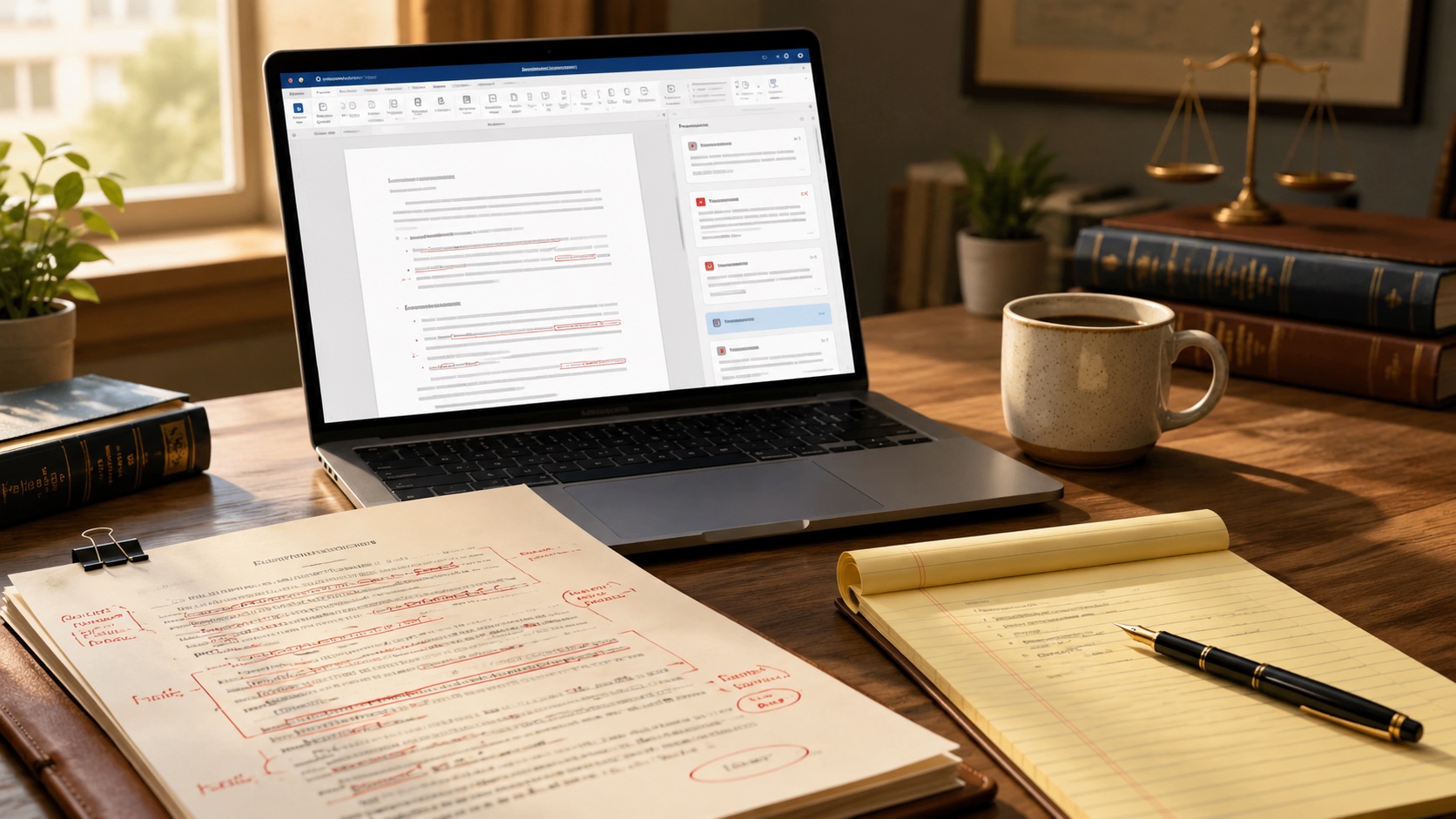
What “AI contract review” actually means in 2026
“Best AI contract review software” hides three different markets under one search term, and most of the lists you’ll find online mash them together. Pick the wrong tier and a small firm pays $30,000 a year for software designed for a 200-lawyer corporate practice. Pick the right tier and the cost drops by an order of magnitude.
The market splits into three categories in 2026.
The first category is Word add-ins built for transactional drafting and review. Spellbook and Definely live here. They sit inside Microsoft Word, read the contract you have open, suggest redlines, and check clauses against a market-standard library. Solo and small-firm transactional practice is the natural fit. Pricing typically runs $100 to $300 per seat per month.
The second category is legal-database AI tied to a research platform. Thomson Reuters CoCounsel and Lexis+ AI are the two real options. They pull from Westlaw or Lexis content, ground their answers in citations, and review contracts in a research-first workflow rather than a drafting-first one. The economics work best when your firm already pays for Westlaw or Lexis. Pricing runs roughly $225 to $428 per seat per month for CoCounsel, with Lexis+ AI quoted custom in a similar range.
The third category is enterprise AI platforms built for AmLaw 200 firms and large in-house legal teams. Harvey, Luminance, and LinkSquares fit here. Custom-quoted six-figure annual deals are the norm, and the procurement cycle takes months. A 12-lawyer firm should not be in a Harvey sales process.
The six tools below cover the first two categories in depth and the third lightly, so you know what to skip. After the tool reviews, the article maps each option to firm size, lists the questions to ask vendors before signing, and ends with the confidentiality issue that matters more than any feature comparison. For the broader picture of where contract review fits inside an AI-enabled practice, see the pillar guide on AI for law firms.
The criteria that actually matter
Vendor demos hit the same five buttons every time. The criteria below are what survives a real 90-day pilot.
- Workflow fit. Does the lawyer use the tool inside Word, inside a research platform, or in a separate web app? Tools that fit the existing workflow get used; tools that require a new tab get ignored after week three.
- Confidentiality posture. Where is data stored, who has access, and is the input used to train the underlying model? No-training contractual commitments are the bar, not a “best efforts” clause.
- Redline accuracy on your contracts. Vendor demos use curated documents. Run the pilot against three real contracts from your practice area and grade the output.
- Citation grounding. Does the tool cite the source of any legal claim it makes, or does it generate plausible text? Grounded tools fit research-heavy firms; ungrounded tools belong in drafting workflows where the lawyer reviews every line.
- Total cost of ownership. List price plus implementation plus training plus the integration work to wire it into your DMS. The sticker price is not the real cost.
The 6 AI contract review tools to actually evaluate
1. Spellbook
Spellbook is a Microsoft Word add-in that drafts and reviews contracts inside the document the lawyer is already working in. It flags risky clauses, suggests redlines against a market-standard clause library, and produces clause-by-clause comments rather than a full-agreement memo. The natural fit is solo and small-firm transactional practice, especially attorneys who live in Word every day. Pricing is custom and not published, with public reporting clustering around $180 per user per month. Vendor site: spellbook.legal.
Strength: workflow integration. There is nothing to learn beyond Word, and the suggestions appear in the sidebar of the document the lawyer already opened. Weakness: volume. Spellbook reviews clause by clause rather than the whole agreement, so it slows down on a 200-page M&A document compared to a platform built for batch review. Spellbook’s own product notes acknowledge the limitation, which is unusual candor for a vendor.
2. Definely
Definely is a Word and Outlook add-in built around contract definitions, cross-references, and structural review. It reads complex agreements and surfaces inconsistencies a manual reviewer would miss after the third hour, things like a defined term used inconsistently in two places or a cross-reference that points to a renumbered clause. The natural fit is small to mid-size firms negotiating long, structured commercial contracts where accuracy matters more than raw speed. Pricing is custom, in the same range as Spellbook. Vendor site: definely.com.
Strength: precision on long, structurally complex agreements. Weakness: the learning curve is steeper than Spellbook’s, and lawyers who only need redline suggestions will find Definely heavier than they need.
3. Thomson Reuters CoCounsel
CoCounsel is Thomson Reuters’ legal AI built into the Westlaw and Practical Law ecosystem. It reviews contracts, summarizes documents, and answers research questions with citations grounded in the same database Westlaw subscribers already pay for. The natural fit is firms that already use Westlaw and want one login to handle AI-assisted review and traditional research. Pricing runs roughly $225 to $428 per seat per month depending on tier, on top of the existing Westlaw subscription. Vendor site: thomsonreuters.com/cocounsel.
Strength: citation grounding. CoCounsel’s answers point to Westlaw cases and Practical Law guidance rather than freeform text, which matters when a client asks why the redline reads the way it does. Weakness: cost-per-lawyer for firms that don’t already pay for Westlaw. Standalone, the price is hard to justify when Spellbook covers contract review for a fifth as much.
4. Lexis+ AI
Lexis+ AI is the LexisNexis side of the same trade-off. It reviews and drafts contracts grounded in Lexis content, including practice notes, statutes, and case law. The natural fit is firms that already subscribe to Lexis and want a single platform for research and contract analysis. Pricing is quoted custom, typically in the $200 to $400 per user per month range. Vendor site: lexisnexis.com/lexis-plus-ai.
Strength: citation grounding inside a subscription the firm is likely already paying for. Weakness: the same as CoCounsel, only flipped. Standalone pricing is hard to justify if the firm doesn’t already pay for Lexis.
5. Harvey
Harvey is the AI platform that became the BigLaw default after Allen & Overy and Paul Weiss publicized their deployments. It handles contract review, drafting, research, and litigation analysis at the volume and complexity AmLaw 200 firms work in. The natural fit is large firms and corporate legal departments. Pricing is custom and starts well above small-firm budgets. Vendor site: harvey.ai.
Strength: depth. Harvey handles end-to-end firm workflows rather than one tab inside Word. Weakness for our audience: misalignment. A 10-lawyer firm cannot get on the procurement cycle Harvey runs, and the price-per-lawyer math does not work below roughly 50 lawyers.
6. Luminance
Luminance is a contract negotiation platform trained on a proprietary corpus of legal documents. It reviews, redlines, and negotiates against a counterparty’s draft, with vendor case studies reporting around a 60 percent reduction in contract review time. The natural fit is large firms and corporate in-house teams handling high contract volume. Pricing is custom and enterprise-tier. Vendor site: luminance.com.
Strength: volume handling and negotiation-aware AI. Weakness for small firms: the same as Harvey’s. Luminance is not priced or built for solo or small-firm budgets, and the implementation timeline alone would consume the better part of a quarter.
Recommendation by firm size
Solo and 2 to 3 lawyer firms
Spellbook if your work is contract drafting and review inside Word. That is the lowest-friction starting point and the price-per-seat fits a solo budget. Skip every enterprise tool above. If you also need legal research grounded in citations, layer general-purpose ChatGPT or Claude for the research drafting steps and stay with Westlaw or Lexis for the case lookup. If you’d rather buy one tool for both, evaluate the best AI legal research tools alongside this list before you commit.
Small firms, 4 to 15 lawyers
Spellbook or Definely depending on the work. Spellbook for general transactional drafting; Definely for complex commercial contracts and long agreements where structural review matters. If the firm already pays for Westlaw, evaluate CoCounsel as the contract review layer rather than buying a separate add-in. The same logic applies to Lexis subscribers and Lexis+ AI. The wrong move at this size is paying for both a Word add-in and a legal-database AI when one of them covers the workflow. A broader scan across categories is on the page covering the best AI tools for law firms.
Mid-size firms, 15 to 50 lawyers
The choice tightens around two questions. First, are most lawyers in Word every day, or in a research platform? If Word, Spellbook or Definely scale through this band cleanly. If the research platform, CoCounsel or Lexis+ AI carry more weight because the lawyers are already there. Second, is contract volume high enough to justify a negotiation-aware platform? At 15 to 50 lawyers, usually not, but Luminance is the option to evaluate if it is. Harvey is still out of band at this size unless the firm has corporate practice volume that mirrors BigLaw.
What to ask vendors before you buy
The questions below separate a tool that survives a 90-day pilot from one that gets shelved.
- Where is our data stored, in which jurisdiction, and for how long?
- Are you SOC 2 Type II compliant? Send us the report.
- Are our inputs used to train the underlying model? If yes, can we opt out by contract, not by checkbox?
- What happens to our data if we cancel? Is there a deletion guarantee with a date attached?
- How does the tool handle attorney-client privileged communications? Has the product been tested under the work-product doctrine in a discovery context?
- What is the redline accuracy rate on a sample contract from our practice area? Run the pilot on three real contracts from our work, not your curated demo document.
- Does the tool integrate with our document management system (NetDocuments, iManage, Worldox), or only with Word and Outlook?
- What is the implementation timeline, who owns rollout, and what does training cost on top of the license?
- Can we see three references from firms our size, in our practice area? The reference call is the most valuable hour you will spend in the entire procurement cycle.
The confidentiality issue you can’t skip
Contract review tools see the contract. That is the whole point. It also means the tool sees the parties, the deal terms, and any attached schedules. Free-tier ChatGPT and Claude consumer accounts may use submitted text for training under their default terms, which is incompatible with attorney-client privilege and ABA Model Rule 1.6 (confidentiality of information).
The rules to follow when running any AI contract review:
- Use enterprise tiers for client work. Spellbook, Definely, CoCounsel, and Lexis+ AI all sell business tiers with no-training contractual commitments. Get that commitment in writing in the master service agreement, not in the marketing FAQ.
- Confirm the same for any general-purpose LLM your team uses on the side. ChatGPT Team, ChatGPT Enterprise, and Claude for Work include no-training commitments by default; the free tiers do not.
- Redact party names and identifiers when you can. Many of the AI suggestions don’t depend on the actual party names, so a redacted version is often enough to get the redline value without the privilege exposure.
- Update your firm’s AI use policy before staff start running drafts through new tools. A simple AI policy for the firm handles 80 percent of the risk before it becomes a problem.
The American Bar Association issued Formal Opinion 512 in July 2024 covering generative AI use, with confidentiality, supervision, and competence framed against existing Model Rules 1.1, 1.6, and 5.1/5.3. Treat that opinion as the floor, not the ceiling, and check your state bar for state-specific guidance that goes further.
Where this fits in the broader AI stack
Contract review is one of several AI workflows law firms run in 2026. The broader picture lives in the pillar on AI for law firms, which covers research, drafting, deposition summarization, intake, and internal knowledge alongside contract review. If you are shopping more broadly than contracts, the comparison on the best AI tools for law firms is the right next read. If you are specifically benchmarking research products, the focused review at the best AI legal research tools covers that lane separately. If you’d rather start with prompts you can paste into a tool you already pay for, the page on ChatGPT prompts for contract review is the lighter starting point.
Related on Business AI Workflows
- AI for law firms
- Best AI tools for law firms
- Best AI legal research tools
- ChatGPT prompts for contract review
Over the years I’ve worked with many law firms as a project manager on their websites and currently consult on SEO for some law clients. None of this is legal advice. Confirm any compliance question with your bar and your malpractice carrier before relying on a vendor’s marketing.