Why criminal defense needs its own AI playbook
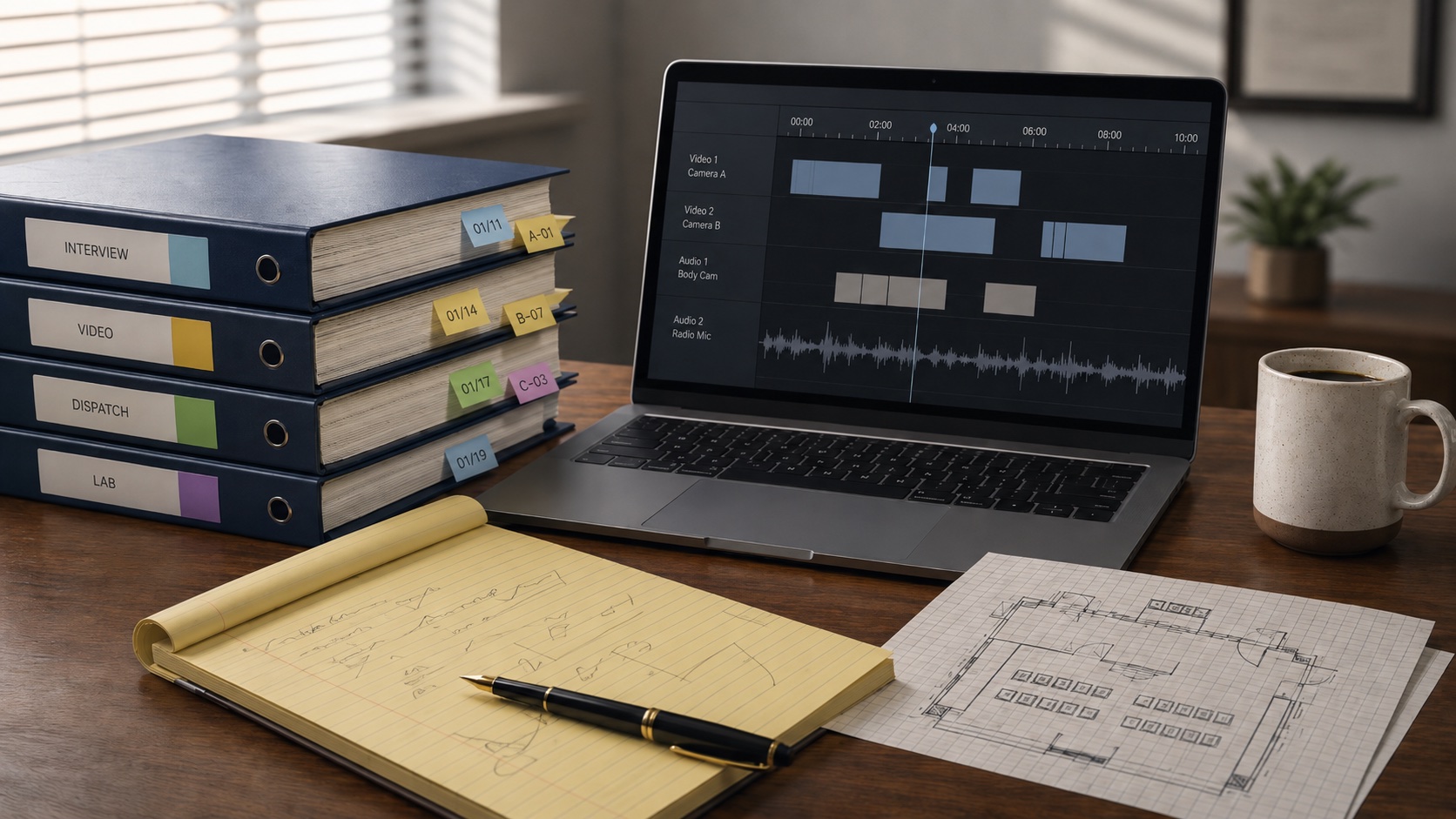
Criminal defense is the practice area where AI either earns its keep or gets a lawyer disbarred. Discovery volume is brutal: a DUI case might come in with three hours of body-cam footage, a dash-cam video, the booking video, the breathalyzer printout, the officer’s report, and a few hundred pages of jail-call transcripts. Add a felony with co-defendants and you are looking at terabytes before the first motion is filed.
That document load is also why AI matters here more than in most practices. A model that summarizes a 200-page police report into a usable timeline saves a defense lawyer a full evening. A suppression-motion framework against a Terry stop saves an afternoon. Multiply that across a 60-case docket and the math gets serious.
The catch is on the other side of the ledger. Criminal defense files contain the most legally exposed information in your office: privileged communications, sealed records, juvenile matters, cooperator information, and discovery covered by protective order. Drop the wrong PDF into a free chatbot and you have not only burned privilege, you may have handed the prosecution a gift.
This guide is for the solo or small-firm criminal defense lawyer (1 to 10 attorneys, plus the paralegals and investigators who run the work). State-court practice is the default; federal is flagged where it changes the analysis. For the broader picture across practice areas, see the pillar on AI for law firms. For the deposition workflow that supports any case with a civil or post-conviction leg, see AI deposition summary.
The five workflows worth setting up first
Build one workflow this quarter: discovery review. Time for two? Add suppression motion drafting. The other three pay back fast once those two are running.
1. Discovery review and timeline construction
The use case: ingest a discovery production (police reports, witness statements, body-cam transcripts, jail calls, surveillance video stills, lab reports) and produce a master timeline plus a fact sheet you can use at the next attorney-client meeting. This is the single most time-expensive task in a defense practice, and it is where AI changes the math the most.
Use a long-context model with a strong document parser, or a criminal-defense-specific platform that agrees in writing to keep your inputs off training. Paid Claude or ChatGPT sessions work for redacted productions. For unredacted privileged material, use an enterprise tier such as Claude for Work or ChatGPT Enterprise, or a vendor like CoCounsel built for this workflow.
Sample prompt (run on a discovery set that you are comfortable processing through this specific tool):
You are organizing the attached discovery production for a [JURISDICTION] criminal case. The defendant is [DEFENDANT], charged with [OFFENSES] arising out of an incident on [DATE OF INCIDENT].

Produce four outputs:

1. A chronological timeline of every documented event from the day of the incident through the most recent dated record in the production. For each entry give the date and time (down to the minute when the record provides one), the source document with a page or timecode citation, the actors involved, and a one-sentence factual statement. Do not editorialize.

2. A fact sheet listing every named witness, their role, and the documents where their statements appear.

3. Every statement attributed to the defendant in the production, with the source document and a one-sentence context note.

4. A punch-list of unfinished investigative threads (witnesses not interviewed, video not preserved, lab work pending, chain-of-custody gaps).

For every citation, give the source document name and the page or timecode. If a fact is not in the production, do not invent it. If two records conflict, flag the conflict; do not pick a side.
What the output should look like: a tight timeline you could hand to the client, a witness list you can drop into trial prep, and a punch-list for your own investigator. Expect to spend 30 to 45 minutes reviewing and correcting the output. Do not skip that review.
2. Body-cam and jail-call synthesis
The use case: turn hours of video and audio into something a defense lawyer can actually use. Body-cam footage is the modern criminal case in one file type, and the volume keeps growing. Jail calls run into the hundreds of hours on a serious case.
Pair a transcription tool with speaker labels (Rev works; Relativity covers larger productions) with a paid Claude or ChatGPT session for analysis of the transcript output.
Sample prompt (run on a transcript you have already produced):
You are reviewing the attached transcript of a [VIDEO TYPE: body-cam, dash-cam, interview, jail call] from a [JURISDICTION] criminal matter. The defendant is [DEFENDANT].

Produce:

1. A summary by speaker. For each speaker, list their statements that touch on (a) the alleged offense, (b) any consent, refusal, or invocation of rights, (c) any officer instructions or commands, (d) any statements about prior contacts with law enforcement.

2. A timestamp index of moments that look legally significant: a Terry-stop transition, a Miranda warning, an arrest, a search, a use of force, a request for counsel.

3. An anomaly list: gaps in the recording, transitions that do not match the officer's narrative, off-camera conversations referenced on-camera but not captured.

If a statement is ambiguous, flag it as ambiguous. Do not paraphrase a constitutional warning; quote it exactly.
The lawyer still watches the footage; the AI just makes that watch targeted instead of linear. The output is a navigable index you can use in a suppression hearing.
3. Suppression and motion-in-limine drafting
The use case: produce a first-pass draft of a suppression motion or motion in limine you can edit into a filing. Motion practice is template-heavy and fact-driven, which a language model handles well.
Pair a long-context model with a legal research tool. Lexis+ AI and Westlaw Precision AI handle the research and citation side. CoCounsel offers prebuilt criminal-law motion prompts. For drafting from facts you supply, a paid Claude or ChatGPT session will produce a usable framework in one or two passes.
Sample prompt for a Fourth Amendment suppression motion (verify every citation before filing):
Draft a motion to suppress evidence obtained from a warrantless vehicle stop in [JURISDICTION]. The facts are:

[INSERT FACTS: who, what, when, where, how the officer initiated the stop, what they observed, what they searched, what they seized, what the defendant said.]

Structure the motion:
1. Introduction
2. Statement of facts (cite the discovery record by page or timecode)
3. Legal standard (Fourth Amendment, Terry v. Ohio, applicable [JURISDICTION] case law)
4. Argument
   a. The stop was not supported by reasonable suspicion because...
   b. The scope of the stop exceeded its purpose because...
   c. Any consent was not voluntary because...
5. Conclusion and relief requested

Use the case citation format for [JURISDICTION]. Do not cite a case unless I provide it; flag every place I need to add a citation. Do not invent quotations from any case.
The last two sentences are the price of admission. Mata v. Avianca exists because lawyers filed a brief with fabricated citations. Verify every citation against the actual reporter. The ABA’s Formal Opinion 512 reads the competence rule (1.1) to require this kind of verification.
4. Plea analysis and client-decision memos
The use case: turn a plea offer into a one-page memo the client can read and understand. Plea decisions get made under pressure with the client trying to weigh a known sentence against an unknown trial outcome. A short, plain-English memo helps the conversation. Run this inside an enterprise tier; a plea memo touches the most sensitive information in the file.
Draft a plea-analysis memo for a client in [JURISDICTION] charged with [CHARGES]. The state has offered:

[INSERT OFFER: charges to be reduced or dismissed, recommended sentence, conditions, deadline.]

Structure the memo in plain English at an eighth-grade reading level:

1. What the offer is, in one paragraph.
2. What the client gives up by accepting (trial rights, ability to appeal, immigration consequences if any, professional-license consequences if any).
3. Realistic exposure if the case goes to trial and the client is convicted on the top count: statutory range, typical sentences in this jurisdiction for similar facts, collateral consequences.
4. Factors that argue for accepting.
5. Factors that argue for rejecting.
6. The deadline and next steps.

Do not give a recommendation. The client decides.
Do not paste an unredacted prosecution memo or any identifying client information into a public LLM. Redact, or run this inside an enterprise tier with a written no-training agreement in place.
5. Sentencing memo drafting
The use case: produce a first draft of a sentencing memorandum that humanizes the defendant, addresses the statutory factors, and proposes a specific sentence. Sentencing memos are document-heavy (presentence investigation report, letters of support, treatment records, employment history) and the structure is predictable, which suits the AI well.
Sample prompt:
Draft a sentencing memorandum for [DEFENDANT] in [JURISDICTION], who has [PLED GUILTY / BEEN CONVICTED AT TRIAL] to [OFFENSES]. The sentencing hearing is on [DATE] before [JUDGE].

I will paste in: a redacted presentence investigation report (PSI), letters of support, treatment records, and employment and education history.

Structure the memo:
1. Introduction with the specific sentence we are requesting
2. The defendant's background and life history (from the materials I provided)
3. The offense in context (avoid minimizing; show understanding)
4. Application of the statutory factors in [JURISDICTION] (cite the statute)
5. Rehabilitation and mitigation evidence
6. Specific sentence requested, with the legal basis
7. Conclusion

Tone: respectful to the court, honest about the offense, focused on the human being. Use plain language. Sentence case headings.
Run the AI draft, then rewrite. Sentencing is the moment your client is most a person and least a docket number. The model gets you a structured first pass; the voice has to be yours.
Tools that fit criminal defense practice
Here is the short list, organized by buyer profile.
For the solo or small panel attorney
Start with a paid ChatGPT Plus or Team seat or a paid Claude Pro or Team seat. Roughly $20 to $30 per user per month. Both handle long documents, both will sign a business agreement at the Team or Enterprise tier that keeps your prompts off training, and both will get you through the five workflows above on de-identified or redacted material.
Add Rev for transcription. Body-cam and jail-call work is unworkable without it. Pricing runs about $1.50 per minute for human-edited transcripts and lower for AI-only. If your motion practice is heavy, add a research seat: Lexis+ AI or Westlaw Precision AI. Pricing is “talk to sales”; expect mid-three-figures per month per attorney.
For the small criminal defense firm (3 to 10 attorneys)
Look at CoCounsel. It has prebuilt criminal-law workflows for discovery review, motion drafting, and deposition summary, and signs the necessary data agreements at the firm level. Expect enterprise pricing.
Consider Bearister.ai if you want a criminal-defense-specific assistant rather than a general legal AI suite. Pricing is more accessible for the same workflows.
If your case mix is e-discovery heavy (white collar, large multi-defendant cases), Relativity remains the standard for document review and production, with AI layered on top.
For the public-defender panel attorney
The UC Berkeley Law inventory of AI tools for public defenders tracks tools accessible to public-defender offices. Some are grant-funded; some are free to qualified offices. Start there before paying for a vendor.
The caveats that matter most
Attorney-client privilege and the no-training agreement
Privilege protects communications, not documents that lose their privileged character through disclosure. Pasting a privileged communication into a free-tier LLM whose terms allow the vendor to use prompts for model training is a disclosure. The right move is to use an enterprise tier with a written no-training agreement: Claude for Work, ChatGPT Enterprise, Microsoft Copilot for Business, or a vendor like CoCounsel that handles privilege as a contractual default.
For redacted, de-identified material, a paid Team-tier seat is acceptable for most state-court work. For unredacted material, escalate to an enterprise tier or a defense-specific tool. The ABA’s Model Rule 1.6 frames the duty; your state bar may go further.
Chain of custody and admissibility
An AI-generated summary of body-cam footage is not evidence; it is your work product. Do not treat the AI summary as a fact in filings; cite the underlying clip with a timecode. The same applies to AI-generated transcripts: verify against the recording before quoting in a brief, and have a witness ready to authenticate any audio you intend to play.
Citation verification
Read Mata v. Avianca if you have not. Two lawyers got sanctioned after filing a brief full of citations a chatbot invented. Every AI-drafted motion goes through a citation check before it leaves your office. Pull the actual cases. If the model offers a quotation, find it in the opinion or strike it.
Sealed, juvenile, and protective-order material
Sealed cases, juvenile matters, and discovery covered by a protective order have their own rules. A protective order may bar disclosure to anyone outside the defense team, and a third-party AI vendor is arguably outside the defense team. Read the order. When it is silent or ambiguous, ask the court for clarification before processing the material.
State bar guidance
States keep issuing their own AI-use guidance. Florida, California, New York, and the District of Columbia bars have all published opinions or advisories. Check your bar’s site before a workflow turns into a habit. This article is not legal advice; verify with your bar and your malpractice carrier.
Where to start this month
Week one, pick one open case and one paid LLM seat. Run the discovery-review prompt on a redacted production. Compare the output against the file you already know. Note what the model got right, what it got wrong, what it missed.
Week two, run the suppression-motion prompt on a case where you have already drafted the motion. Compare the AI framework against your own. The exercise tells you where the model adds time (citation invention, weak arguments) and where it saves time (statement-of-facts scaffolding, statutory pulls).
Weeks three and four, build a redaction protocol and a one-page firm policy. The protocol decides what you redact, who does it, and where the redacted file lives. The policy covers approved tools, redaction rules, citation verification, and who reviews AI output before it leaves the office. The pillar on AI for law firms links to a longer policy template if you want a starting point.
Related on Business AI Workflows
If you want to keep going, these cluster articles cover the adjacent practice areas and the workflow that supports most criminal defense litigation:
- AI for personal injury lawyers: the practice-area playbook for plaintiff PI firms, including medical chronology and demand letter workflows.
- AI for immigration lawyers: how immigration practices use AI for I-589 preparation, status tracking, and country-condition research.
- AI deposition summary: the deposition workflow for any criminal case with a civil or post-conviction leg.